Wifi Range Extenders Prices in Kenya
Discover everything you need to know about Wi-Fi Range Extenders—devices designed to eliminate dead zones, boost wireless signals, and improve internet coverage. Learn how they work, their types, features, benefits, installation process, and best use cases. Whether for home, office, or industrial setups, find out how to choose the best Wi-Fi extender for seamless connectivity, optimal performance, and uninterrupted browsing, gaming, or streaming experiences.
Shop curated Wifi Range Extenders Prices in Kenya gear with trusted brands and flexible budgets.
Top picks in Wifi Range Extenders Prices in Kenya
Compare price points, specs, and bundles tailored to Kenyan homes and businesses.
Introduction
Wi-Fi is an essential part of modern life, powering everything from smart homes and business operations to gaming and video streaming. However, weak signals and dead zones are common issues that hinder seamless connectivity. Wi-Fi range extenders—also known as Wi-Fi boosters or repeaters—offer an efficient solution to this problem by amplifying and extending the existing wireless signal.
This comprehensive guide explores what Wi-Fi range extenders are, how they work, their benefits, types, features, installation process, and how to choose the best one for your needs.
What is a Wi-Fi Range Extender?
A Wi-Fi range extender is a networking device designed to increase the coverage area of an existing Wi-Fi network. It works by receiving the Wi-Fi signal from the router, amplifying it, and then rebroadcasting the boosted signal to reach further areas where Wi-Fi connectivity was previously weak or nonexistent.
These devices are useful for:
✔ Expanding Wi-Fi coverage to large homes and offices
✔ Eliminating Wi-Fi dead zones caused by walls, floors, or interference
✔ Enhancing internet speed in weak signal areas
✔ Supporting multiple devices across a broader space
How Do Wi-Fi Range Extenders Work?
Wi-Fi range extenders function by:
- Receiving the Existing Signal
- The extender connects to the main Wi-Fi router and detects its signal strength.
- Amplifying the Signal
- It boosts the signal strength before rebroadcasting it.
- Re-Transmitting the Signal to Wider Areas
- The enhanced signal is sent to previously unreachable areas, extending Wi-Fi range significantly.
This process ensures that all areas of a home or office receive a stable and strong wireless connection, reducing connectivity dropouts and lag.
Types of Wi-Fi Range Extenders
Wi-Fi extenders come in different types, each catering to specific user needs and environments.
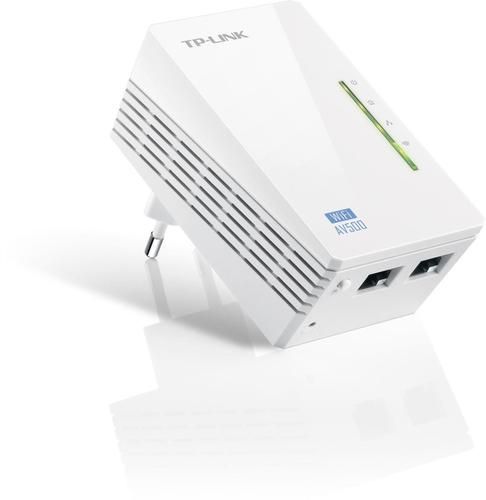
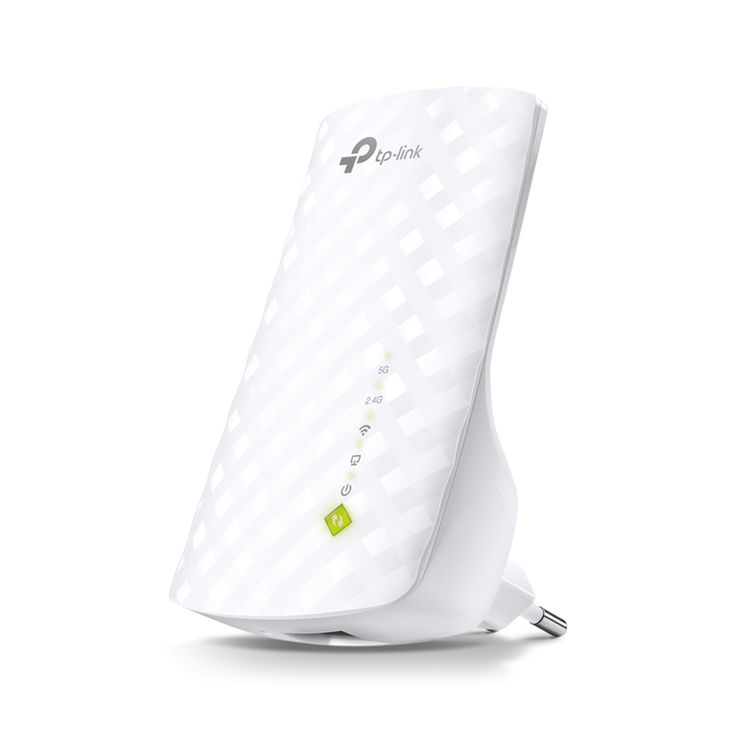
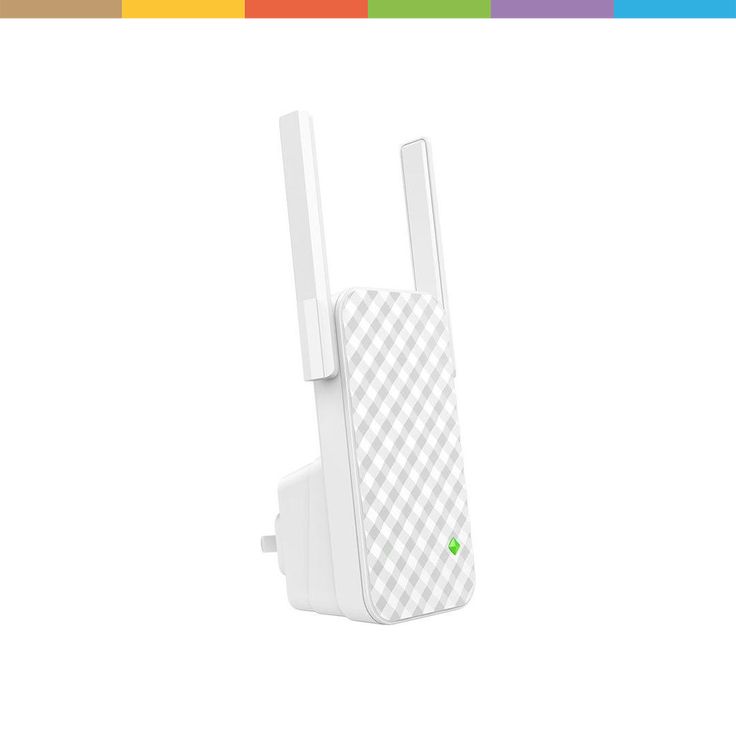
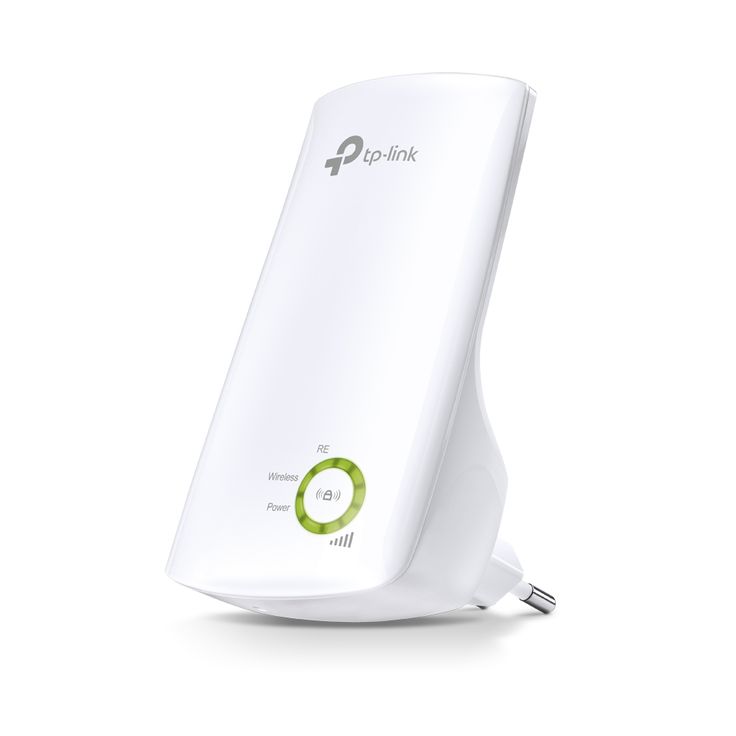
1. Plug-in Wi-Fi Range Extenders
✔ Compact and easy to install
✔ Plug directly into a wall outlet
✔ Best for home use
These extenders are affordable and simple to set up, making them ideal for small homes and apartments.
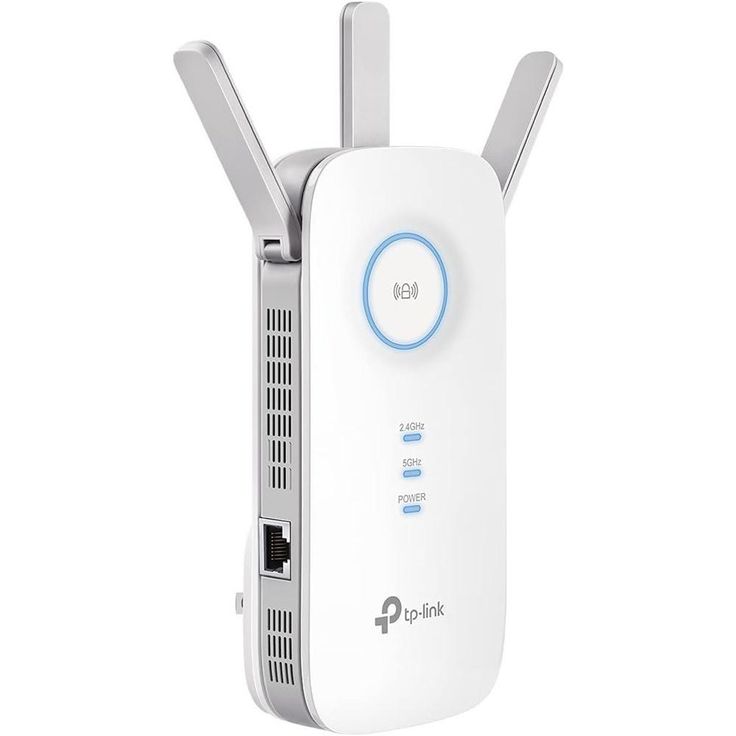
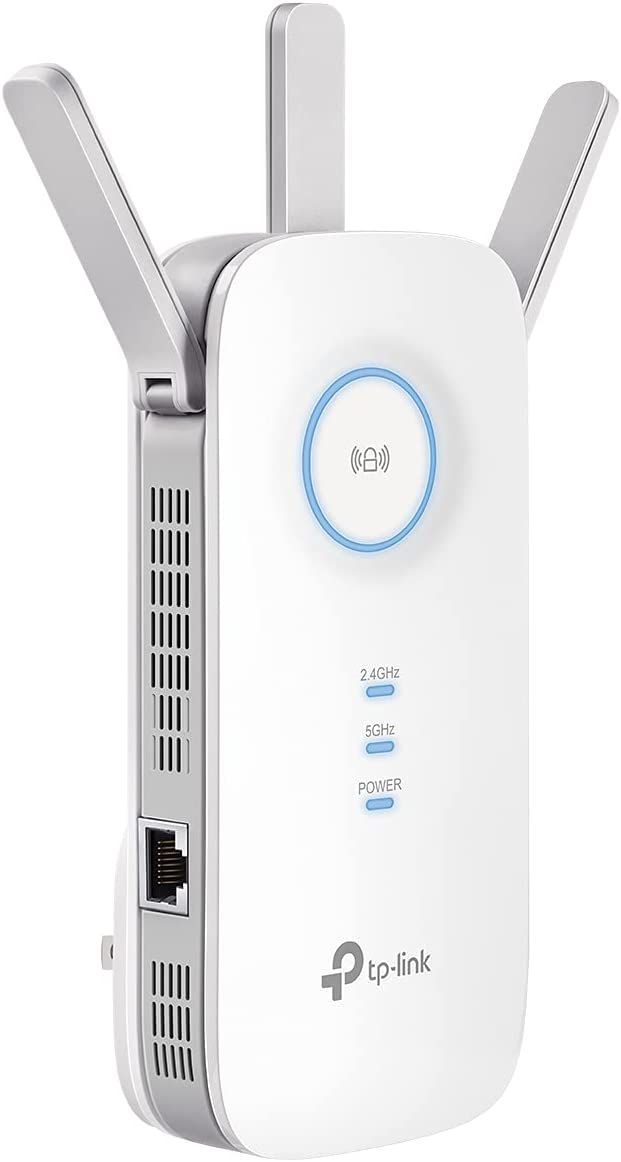
2. Desktop Wi-Fi Extenders
✔ More powerful antennas and better range
✔ Often include Ethernet ports for wired connections
✔ Suitable for homes, offices, and businesses
These extenders offer stronger signal amplification and often come with additional ports for wired connections.
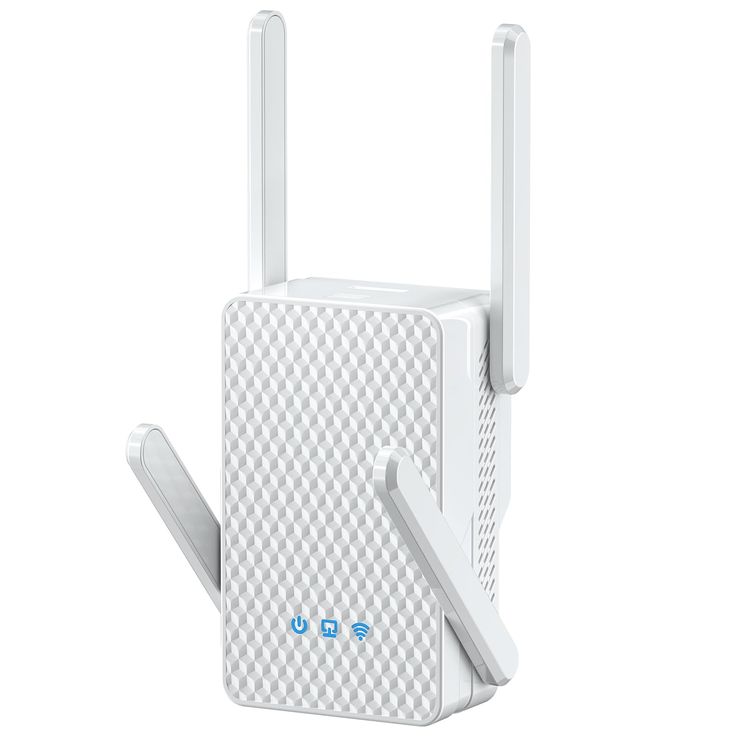
3. Dual-Band and Tri-Band Wi-Fi Extenders
✔ Support both 2.4 GHz and 5 GHz bands
✔ Reduce network congestion and improve performance
✔ Ideal for gaming and streaming
Higher-end models feature dual-band or tri-band capabilities, allowing for better bandwidth management and high-speed internet access.
4. Mesh Wi-Fi Systems (Alternative to Traditional Extenders)
✔ Creates a seamless Wi-Fi network
✔ Eliminates the need for multiple SSIDs
✔ Best for large homes and businesses
Unlike traditional extenders, mesh Wi-Fi systems provide consistent coverage across multiple rooms without needing users to switch between networks.
Key Features to Consider in a Wi-Fi Range Extender
When choosing a Wi-Fi range extender, consider the following features:
1. Coverage Area & Signal Strength
✔ Ensure the extender can cover the required distance without signal degradation.
✔ High-gain antennas and powerful amplifiers provide better coverage.
2. Speed & Bandwidth Support
✔ Higher speeds (AC1200, AC1900, AX3000, etc.) ensure better performance.
✔ Dual-band and tri-band extenders provide improved speed and reduced interference.
3. Compatibility with Routers
✔ Check if the extender is compatible with your existing Wi-Fi router.
✔ Universal compatibility is preferred for future-proofing.
4. Ethernet Ports for Wired Connectivity
✔ Some extenders include Ethernet ports for wired connections, useful for gaming consoles, smart TVs, and PCs.
5. Easy Setup & Management
✔ Plug-and-play installation or app-based configuration makes setup effortless.
✔ Smart signal indicators help find the best placement.
6. Security Features
✔ WPA2/WPA3 encryption protects network security.
✔ Guest network support improves access control.
Benefits of Using a Wi-Fi Range Extender
✔ 1. Eliminates Dead Zones
Removes weak spots in large homes, offices, and buildings.
✔ 2. Enhances Streaming, Gaming & Video Calls
Improves internet speed and stability for HD/4K streaming, online gaming, and VoIP calls.
✔ 3. Cost-Effective Solution
Provides better coverage without needing to upgrade to a high-end router.
✔ 4. Works with Multiple Devices
Supports smartphones, tablets, gaming consoles, IoT devices, and smart home gadgets.
How to Install and Set Up a Wi-Fi Range Extender
Step 1: Choose the Best Location
✔ Place the extender midway between the router and weak signal areas.
✔ Avoid placing it near thick walls, electronic appliances, or metal objects.
Step 2: Connect the Extender to Your Network
✔ Use WPS (Wi-Fi Protected Setup) for quick pairing.
✔ Alternatively, log into the extender’s web interface and connect it to your main Wi-Fi.
Step 3: Optimize Performance
✔ Adjust the antenna positioning for maximum coverage.
✔ Use a Wi-Fi analyzer app to choose the best channel for minimal interference.
Step 4: Test Connectivity & Adjust Settings
✔ Move around your home to ensure strong signal coverage.
✔ Fine-tune settings for optimal speed and security.
Wi-Fi Extenders vs. Other Solutions
| Feature | Wi-Fi Extender | Mesh Wi-Fi | Powerline Adapter |
|---|---|---|---|
| Best for | Homes with moderate dead zones | Large homes, businesses | Homes with thick walls |
| Ease of Setup | Easy | Medium | Medium |
| Performance | Good | Excellent | Moderate |
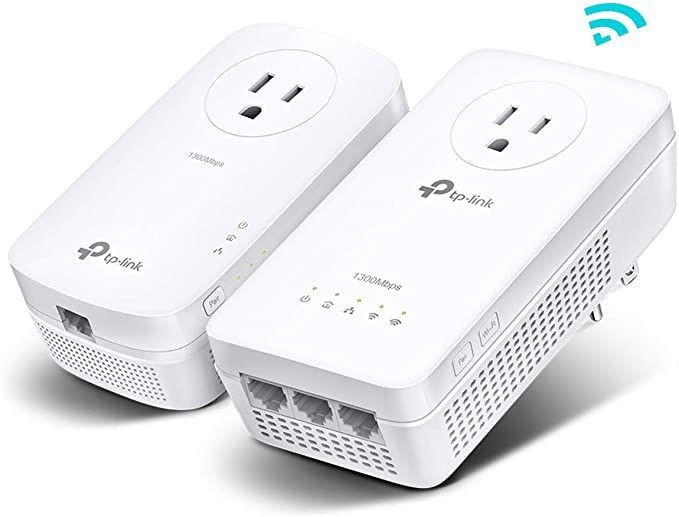
| Cost | Affordable | Expensive | Mid-range |
| Signal Strength | Moderate | Strong | Moderate |
Each solution caters to different needs. Wi-Fi extenders are best for affordable and easy network expansion, while mesh systems offer premium, seamless coverage.
Conclusion
Wi-Fi range extenders are a cost-effective and reliable way to eliminate dead zones and enhance wireless coverage in homes, offices, and large buildings. By amplifying the existing network signal, these devices ensure better connectivity for streaming, gaming, smart devices, and everyday browsing.
When selecting a Wi-Fi extender, consider coverage, speed, compatibility, security, and ease of installation to ensure optimal performance. Whether you need basic coverage expansion or high-speed gaming support, Wi-Fi extenders are an excellent investment in seamless, uninterrupted connectivity.