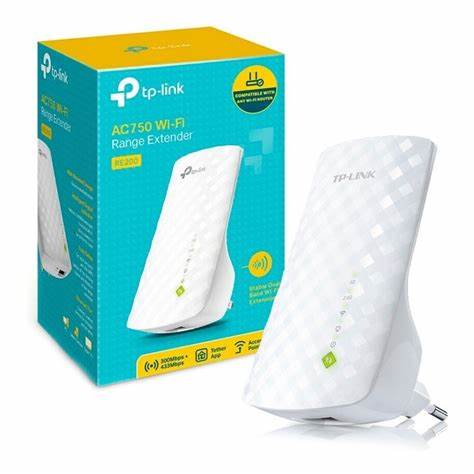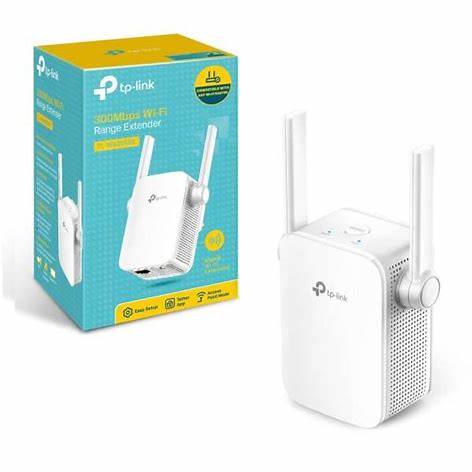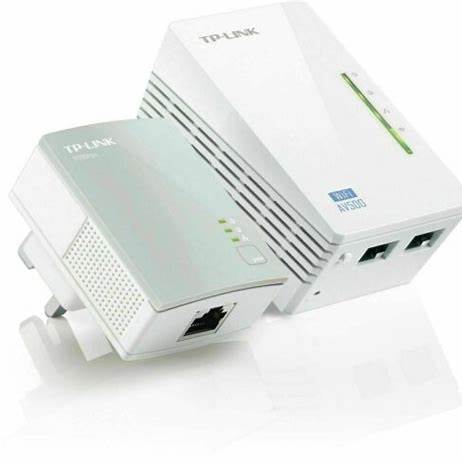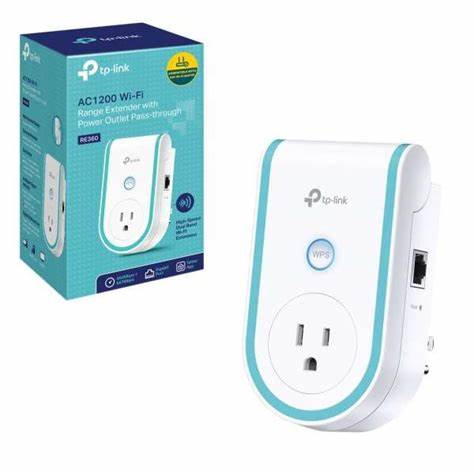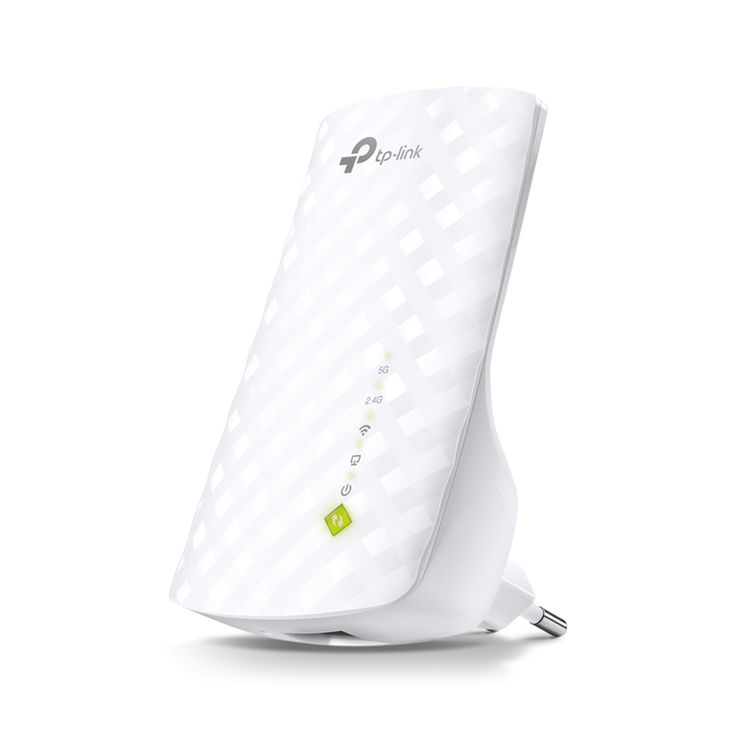
TP Link AC750 Wi-Fi Range Extender RE200
Introduction Are you tired of Wi-Fi dead zones in your home or office? Do certain areas suffer from slow connections, buffering, or constant dropouts? If so, the TP-Link AC750 Wi-Fi Range Extender (RE200) is an excellent budget-friendly solution to extend...
Introduction
Are you tired of Wi-Fi dead zones in your home or office? Do certain areas suffer from slow connections, buffering, or constant dropouts? If so, the TP-Link AC750 Wi-Fi Range Extender (RE200) is an excellent budget-friendly solution to extend your Wi-Fi range, improve speeds, and eliminate weak signal areas.
This comprehensive guide will cover:
✔ What the TP-Link RE200 is and how it works
✔ Key features and specifications
✔ Advantages of using the RE200
✔ Step-by-step installation and setup
✔ Performance and real-world usage
✔ Comparison with other range extenders
✔ Troubleshooting and optimization tips
By the end of this article, you’ll have a full understanding of why the TP-Link RE200 is one of the best-selling Wi-Fi range extenders.
What is the TP-Link AC750 Wi-Fi Range Extender (RE200)?
The TP-Link RE200 is a dual-band wireless range extender designed to amplify your existing Wi-Fi signal and expand its coverage to areas with weak or no connectivity. It operates on both the 2.4GHz and 5GHz bands, offering a combined speed of up to 750Mbps.
It is compatible with any Wi-Fi router, making it an excellent choice for homes, apartments, and offices that need better Wi-Fi coverage without upgrading to a more expensive router.
How Does the TP-Link RE200 Work?
The TP-Link RE200 acts as a bridge between your router and devices, extending the Wi-Fi signal further and strengthening the connection.
1. Signal Reception:
✔ The RE200 connects to your existing router’s Wi-Fi signal.
2. Signal Amplification:
✔ Using high-gain internal antennas, the extender amplifies and enhances the signal strength.
3. Signal Re-Transmission:
✔ The stronger signal is then rebroadcasted to cover a larger area, eliminating weak spots.
The device ensures seamless internet access in bedrooms, basements, garages, and outdoor areas where connectivity was previously poor.
Key Features and Specifications
1. Dual-Band Speeds up to 750Mbps
✔ 2.4GHz (300Mbps) + 5GHz (433Mbps) for a faster and more stable internet experience.
✔ Perfect for streaming HD videos, gaming, and online conferencing.
2. Universal Compatibility
✔ Works with any Wi-Fi router or access point, ensuring easy integration into any network setup.
3. Smart Signal Indicator for Easy Placement
✔ The LED lights on the extender help find the best placement for optimal signal strength.
✔ Red Light = Weak Signal (Move closer to the router).
✔ Green Light = Strong Signal (Perfect location).
4. One-Button WPS Setup
✔ Easily connects to your router with the press of the WPS button, making installation fast and hassle-free.
5. AP Mode for Wired Connections
✔ Includes an Ethernet port, allowing you to convert a wired network into a Wi-Fi hotspot.
✔ Ideal for smart TVs, gaming consoles, and desktop PCs that need a wired connection.
6. Compact and Energy-Efficient Design
✔ Wall-plug design eliminates the need for bulky equipment.
✔ Low power consumption, making it an eco-friendly option.
Advantages of Using the TP-Link RE200
✔ Eliminates Wi-Fi dead zones by extending your signal to weak areas.
✔ Dual-band speeds improve performance for gaming, streaming, and video calls.
✔ Easy setup with one-button WPS connection.
✔ Smart signal indicators help find the best placement for maximum coverage.
✔ Compatible with all routers, making it a flexible and hassle-free solution.
✔ Supports AP mode, allowing it to function as a wireless access point.
Step-by-Step Installation Guide
Step 1: Plug in the Extender
✔ Insert the TP-Link RE200 into a power outlet within range of your router’s signal.
Step 2: Connect to Your Router
✔ Method 1: WPS Setup
- Press the WPS button on your router and then on the RE200.
- The extender will automatically connect to the Wi-Fi network.
✔ Method 2: Manual Setup
- Connect to the "TP-Link_Extender" Wi-Fi network.
- Open a browser and go to tplinkrepeater.net.
- Select your Wi-Fi network, enter the password, and complete the setup.
Step 3: Optimize Placement
✔ Use the LED signal indicator to find the best location.
✔ Avoid placing near walls, metal objects, and electronic interference.
✔ Test the Wi-Fi signal strength in different rooms to ensure improved coverage.
Performance and Real-World Usage
The TP-Link RE200 delivers consistent performance for small-to-medium-sized homes.
✔ Best for:
✅ Streaming 1080p videos
✅ Online gaming with minimal lag
✅ Browsing, video calls, and remote work
✔ Limitations:
❌ Not ideal for 4K streaming or high-speed gaming.
❌ May reduce speed in extended areas (common with all range extenders).
Comparison: TP-Link RE200 vs Other Wi-Fi Extenders
| Feature | TP-Link RE200 | Netgear EX3700 | Tenda A18 |
|---|---|---|---|
| Speed | 750Mbps | 750Mbps | 1200Mbps |
| Bands | Dual-band | Dual-band | Dual-band |
| WPS Setup | Yes | Yes | Yes |
| Ethernet Port | Yes | Yes | Yes |
| Best For | Streaming & Browsing | Small Homes | Larger Coverage |
The TP-Link RE200 is a strong competitor, offering a balance of speed, price, and reliability.
Troubleshooting & Optimization Tips
✔ Update firmware regularly for better stability.
✔ Restart the extender periodically to clear network congestion.
✔ Keep it in an open area for better signal reception.
✔ Use the 5GHz band for faster speeds in short-range connections.
Final Verdict: Is the TP-Link RE200 Worth It?
The TP-Link AC750 Wi-Fi Range Extender (RE200) is an excellent, cost-effective solution for boosting Wi-Fi coverage. It provides strong performance for everyday use, making it ideal for homes, apartments, and offices.
✔ Pros:
✅ Affordable and reliable
✅ Easy setup with WPS button
✅ Dual-band support
✅ Ethernet port for wired devices
For anyone looking to eliminate Wi-Fi dead zones, the TP-Link RE200 is a smart investment! 🚀
Talk to an expert about TP Link AC750 Wi-Fi Range Extender RE200
Get guidance on setup, compatibility, and delivery tailored to your needs.