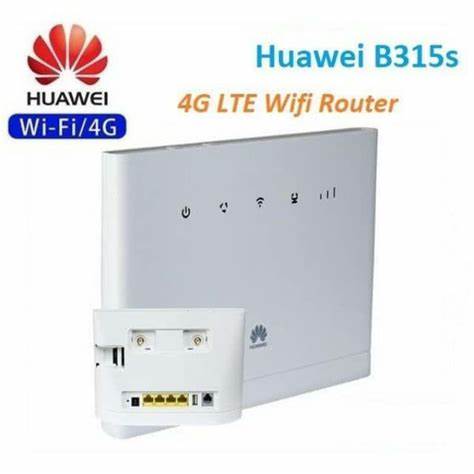
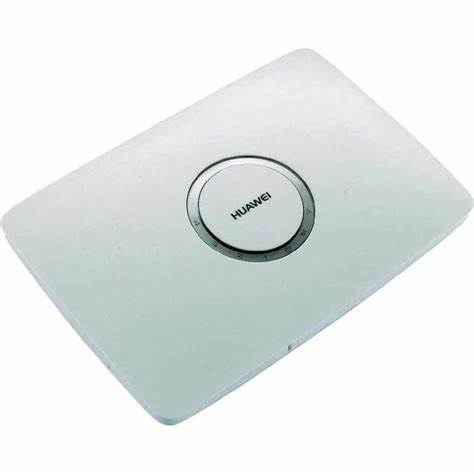
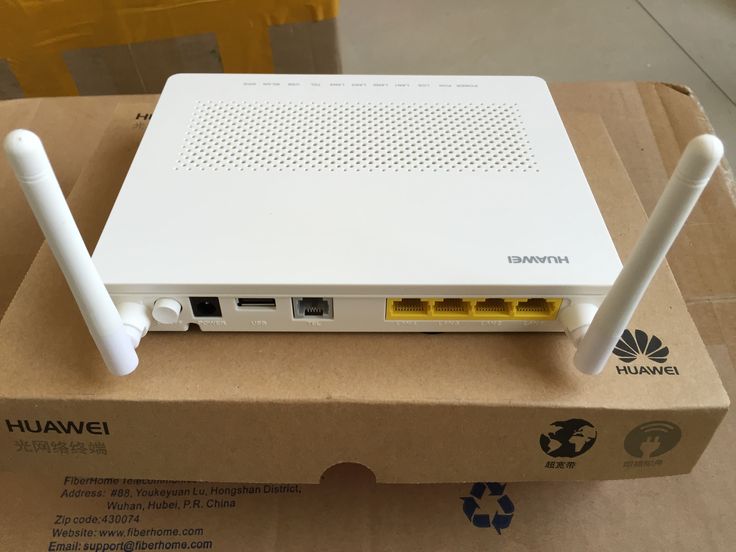
Huawei Router Prices in Kenya
Huawei routers offer high-speed internet, advanced security, and seamless connectivity for homes and businesses. From Wi-Fi 6 routers to 4G/5G mobile routers and mesh networking systems, Huawei delivers powerful, reliable, and easy-to-use networking solutions for all needs.
Shop curated Huawei Router Prices in Kenya gear with trusted brands and flexible budgets.
Top picks in Huawei Router Prices in Kenya
Compare price points, specs, and bundles tailored to Kenyan homes and businesses.
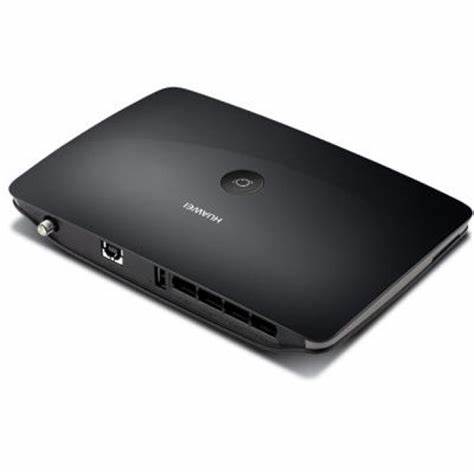
Huawei Routers: A Complete Guide to Features, Types, and Performance
Introduction
Huawei is a global leader in networking technology, offering a wide range of Wi-Fi routers, mobile broadband devices, and mesh systems. Whether you need a high-speed home Wi-Fi network, a portable 4G/5G router, or a business-grade networking solution, Huawei has a router to fit your needs.
With cutting-edge technology, Huawei routers deliver fast speeds, low latency, and enhanced security, making them a top choice for streaming, gaming, smart homes, and enterprise applications.
Types of Huawei Routers
1. Wi-Fi 6 Routers (AX Series) – Ultra-Fast Wireless Speeds
Huawei’s Wi-Fi 6 routers offer higher speeds, lower latency, and greater efficiency, perfect for modern smart homes and businesses.
✔ Popular Models: Huawei AX3, AX2, AX6
✔ Key Features:
- Dual-band or Tri-band Wi-Fi for reduced congestion
- OFDM & MU-MIMO technology for multiple device connections
- AI-powered signal optimization for better coverage
- Huawei Share for instant device pairing
Best For: Gaming, 4K streaming, smart homes, and high-speed internet users
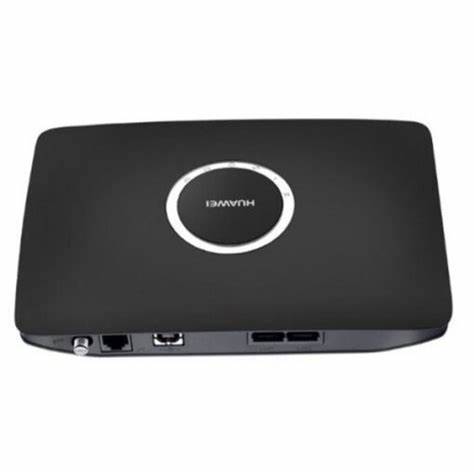
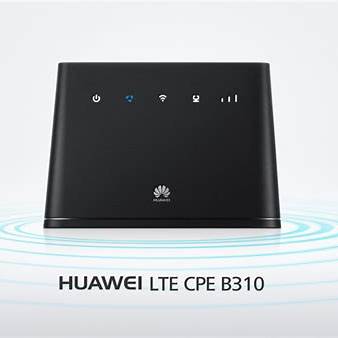
2. 4G/5G Mobile Routers – Internet On-the-Go
Huawei mobile routers provide high-speed 4G and 5G connectivity, making them ideal for travelers, remote workers, and rural areas.
✔ Popular Models: Huawei E5577, E5785, CPE Pro 2
✔ Key Features:
- Supports 4G LTE/5G networks for fast mobile internet
- Built-in battery for portable use
- Multiple device connections (up to 64 users on some models)
- Ethernet ports for wired connections
Best For: Travel, remote work, camping, and areas without fiber broadband
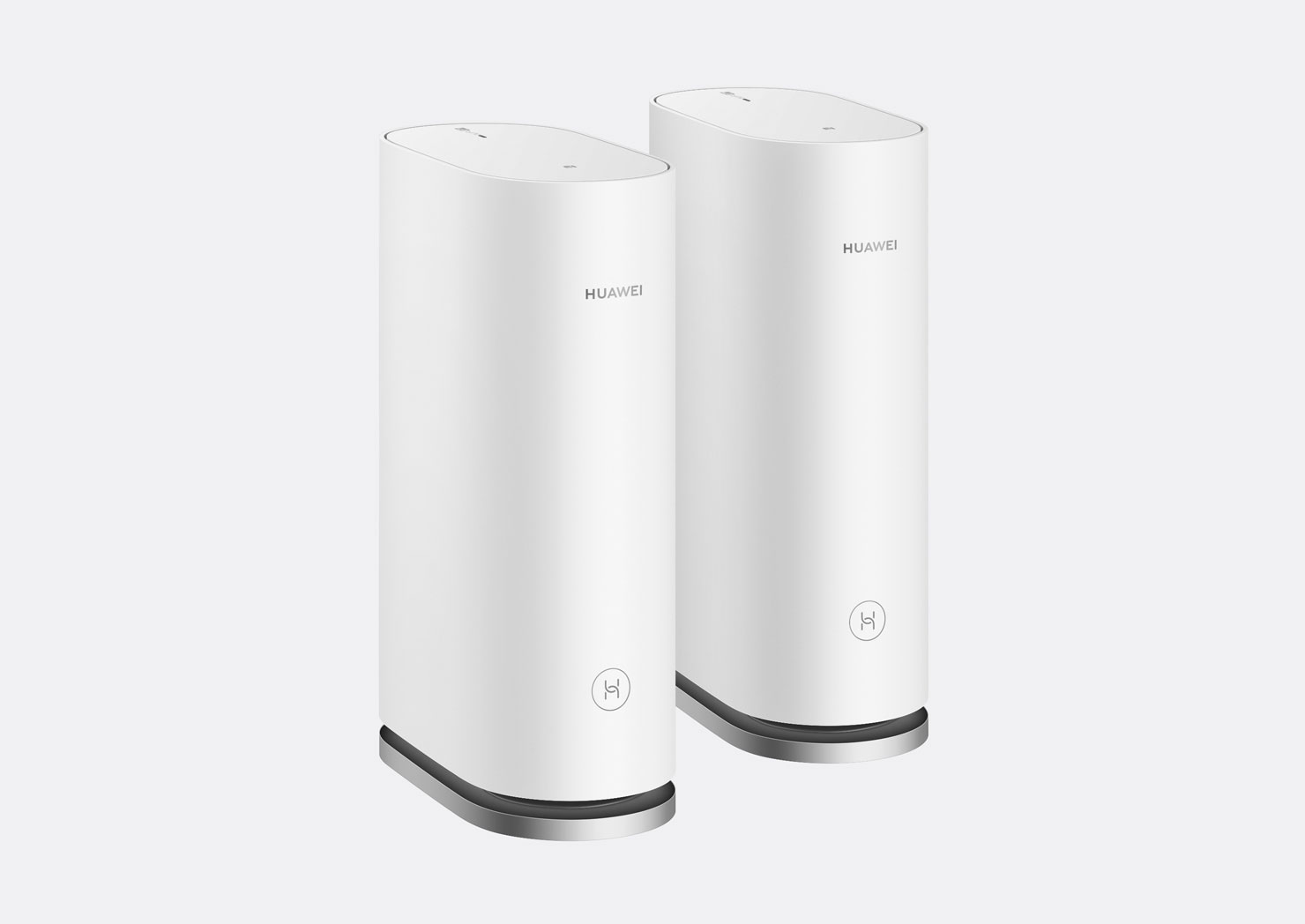
3. Huawei Mesh Wi-Fi Systems – Whole-Home Coverage
Huawei’s Mesh Wi-Fi routers eliminate dead zones by creating a seamless, high-speed network throughout your home.
✔ Popular Models: Huawei WiFi Mesh 3, Mesh 7
✔ Key Features:
- Whole-home coverage with intelligent routing
- Wi-Fi 6 technology for faster, more stable connections
- Self-healing network that adapts to interference
- AI-based roaming for a seamless experience across all rooms
Best For: Large homes, multi-story buildings, and smart home setups
4. Enterprise Routers – Advanced Networking for Businesses
Huawei provides enterprise-grade networking solutions with high-performance routing, security, and scalability.
✔ Popular Models: Huawei AR Series, NetEngine Series
✔ Key Features:
- High-speed wired and wireless networking
- Built-in firewall & security protocols
- VPN support for secure remote access
- Cloud management & AI-driven optimization
Best For: Businesses, offices, and large-scale enterprise networks
Huawei Router Features & Benefits
✅ Fast and Reliable Performance – Wi-Fi 6, 5G, and AI-powered networking for smooth connections
✅ Advanced Security – Built-in firewalls, parental controls, and VPN support
✅ Easy Setup & Management – Huawei AI Life App & Web UI for simple control
✅ Energy-Efficient Design – Optimized power consumption for eco-friendly usage
✅ Seamless Connectivity – Mesh networking, MU-MIMO, and AI signal optimization
How to Set Up a Huawei Router
Method 1: Using the Huawei AI Life App
- Power on the router and connect it to your modem or SIM card (for mobile routers).
- Download and install the Huawei AI Life App on your smartphone.
- Open the app and follow the on-screen instructions to set up the network.
- Configure your Wi-Fi name (SSID) and password for security.
- Enjoy your high-speed Huawei network!
Method 2: Web-Based Setup
- Connect a device (laptop/PC) to the router via Wi-Fi or Ethernet.
- Open a browser and enter 192.168.3.1 in the address bar.
- Log in using the default credentials (usually found on the router label).
- Follow the setup wizard to configure Wi-Fi settings, security, and parental controls.
- Save settings and restart the router for the changes to take effect.
Who Should Buy a Huawei Router?
✔ Home users looking for fast, reliable Wi-Fi
✔ Gamers and streamers needing low-latency networks
✔ Travelers and remote workers requiring 4G/5G mobile routers
✔ Smart home users with multiple connected devices
✔ Businesses needing secure, high-performance networking
Conclusion: Is a Huawei Router Worth It?
Huawei routers offer powerful performance, easy setup, and advanced networking features for homes, businesses, and travelers. With Wi-Fi 6, Mesh, and 5G connectivity, Huawei provides cutting-edge solutions for modern internet users.
If you’re looking for fast, stable, and secure Wi-Fi, Huawei routers are a great investment.