MikroTik VPN Setup
MikroTik VPN setup guide for Kenya covering remote access, site-to-site VPN, branch offices, firewall rules, user security, and RouterOS planning.

MikroTik Router Prices in Kenya
MikroTik VPN Setup
A MikroTik VPN is useful for businesses in Kenya that need secure remote access to files, CCTV, accounting systems, POS servers, VoIP, or internal dashboards. It can also connect branch offices so teams share systems without exposing private services directly to the internet.
Common MikroTik VPN Uses
- Remote staff: access office resources securely from home or while travelling.
- Branch offices: link two or more sites with encrypted site-to-site tunnels.
- CCTV support: view cameras through a private connection instead of open port forwarding.
- ISP support: manage customer routers securely with controlled access.
Planning a Secure VPN
Before enabling VPN, define who needs access, what resources they should reach, and which devices are allowed. Strong passwords, separate VPN users, firewall filtering, and RouterOS updates are essential. Avoid giving VPN users unrestricted access if they only need one server or subnet.
Router Recommendation
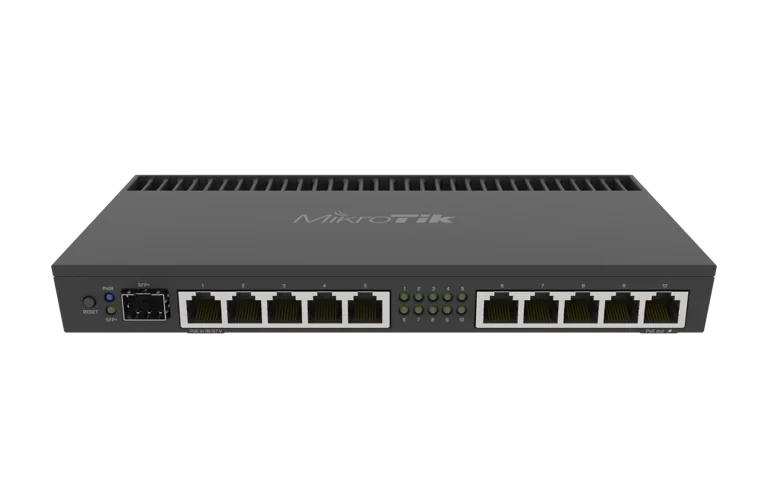
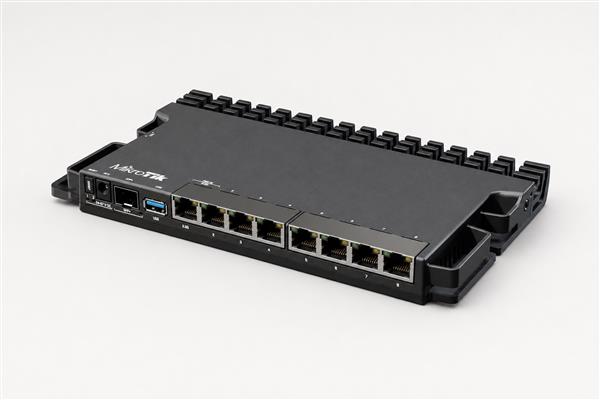
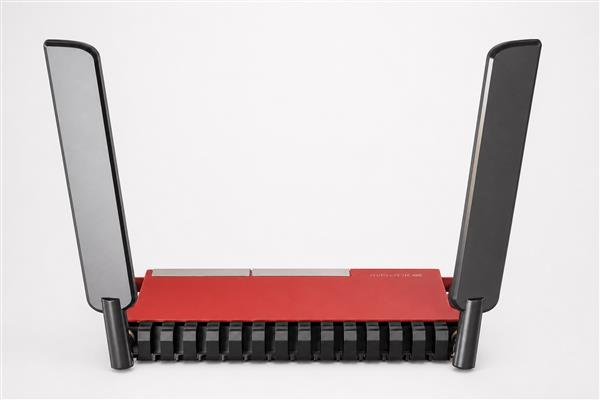
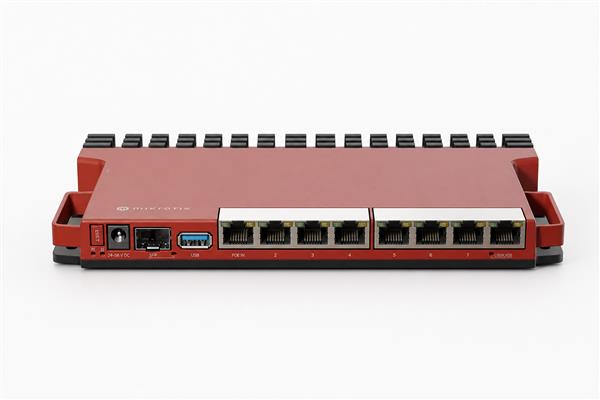
For a few users, entry-level Gigabit MikroTik routers can work well. For many VPN users, encrypted traffic, or branch-to-branch tunnels, choose stronger routers such as RB4011, RB5009, or CCR models. VPN performance depends heavily on CPU capability and configuration quality.
MikroTik Topic Cluster
Use these related MikroTik resources to compare models, understand RouterOS features, and choose the right MikroTik network equipment for Kenya.
- MikroTik Router Prices in Kenya
- MikroTik Router Kenya
- MikroTik Router Price List Kenya
- MikroTik Router Setup Guide
- RouterOS Explained
- MikroTik Firewall Guide
- MikroTik Router Reviews
- Best MikroTik Router for Business
- Best MikroTik Router for Home
- MikroTik Accessories
- MikroTik Switches
- MikroTik Wireless Access Points
- MikroTik Accessories in Kenya
- MikroTik Switches in Kenya
- MikroTik Access Points in Kenya