Best MikroTik Router for Business in Kenya
Discover the best MikroTik router for business use in Kenya. Compare top models by throughput, VPN support, and price to find the right fit for your office

MikroTik Router Prices in Kenya
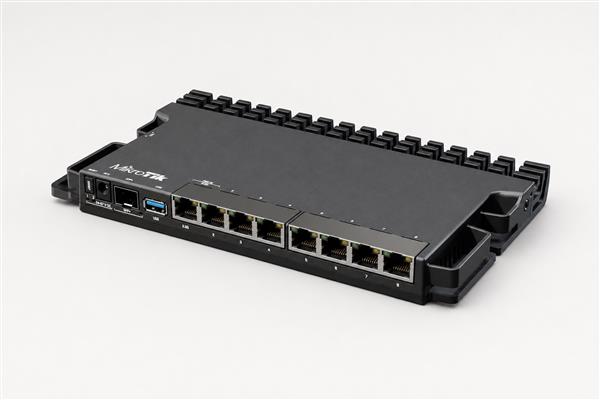
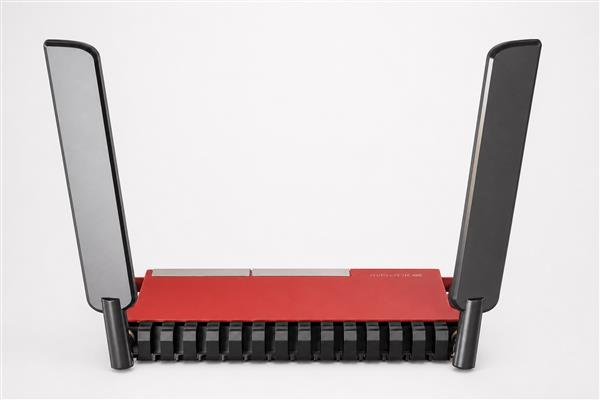
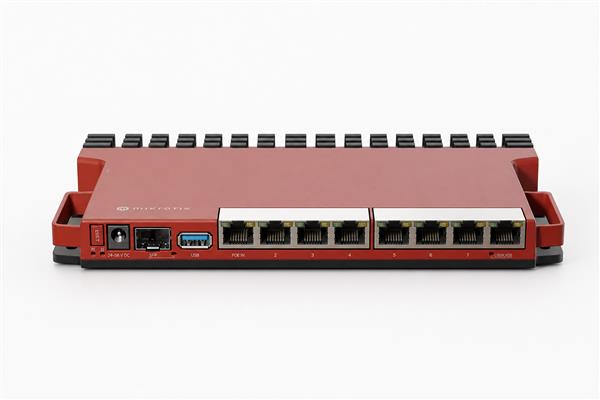
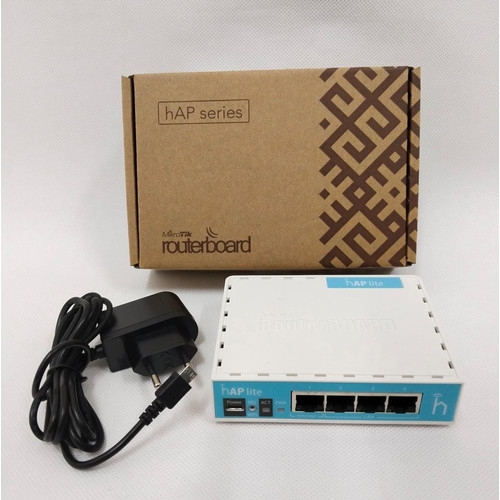
Best MikroTik Router for Business in Kenya: Top Picks and Buying Guide

Choosing the best MikroTik router for business use in Kenya means thinking beyond just internet speed. Offices, SMEs, and ISPs need routers that can handle dozens or hundreds of simultaneous users, enforce per-department bandwidth limits, run site-to-site VPNs, and stay online through failover connections — all without the licensing costs of enterprise brands like Cisco. MikroTik's RouterOS lineup covers this entire range, from compact office routers to carrier-grade models used by ISPs. This guide compares the top options so you can match hardware to the size and demands of your business.
What Businesses Need From a Router That Home Users Don't
A home router mostly needs to handle a handful of devices and a single internet connection. A business router in Kenya typically needs more: support for VLANs to separate departments or tenants, PPPoE server functionality for hotspot or tenant billing (common in serviced offices and estates), site-to-site or remote-access VPN support for staff working off-site, dual-WAN or failover routing so the office doesn't go offline when one ISP link drops, and enough throughput and RAM to handle firewall rules and bandwidth queues without slowing the network down under load. This is where stepping up from a basic home-grade MikroTik router to a business or ISP-grade model matters.
Top MikroTik Routers for Business Use in Kenya

1. MikroTik RB2011UiAS-IN — Best for Small Offices
Priced at roughly KSh 15,000–18,000, the RB2011UiAS-IN is a solid entry point for small offices needing more Ethernet ports and processing headroom than a home router offers, along with an SFP port for fiber uplink flexibility. It suits offices with under 50 staff running standard browsing, email, and video calls.
2. MikroTik hEX S (RB760iGS) — Best Compact Option With Fiber Failover
At around KSh 15,000, the hEX S packs an SFP port alongside its Gigabit Ethernet ports, making it a popular choice for small businesses that want a backup fiber or fixed-wireless link for redundancy without paying for a much larger router.
3. MikroTik RB3011UiAS-RM — Best Mid-Size Office Router
Priced around KSh 22,000–26,000, the RB3011 offers ten Gigabit ports plus SFP support and comfortably handles roughly 100–150 users. This is a common choice for growing SMEs, serviced office buildings, and small ISPs that need solid routing performance without moving up to carrier-grade hardware.
4. MikroTik RB4011iGS+RM — Best for Larger Offices
At approximately KSh 37,000–42,000, the RB4011 steps up to ten Gigabit ports plus SFP+ for higher-throughput fiber uplinks, supporting an estimated 150–300 users. It's a strong fit for larger offices, multi-tenant buildings, or businesses running heavier VPN and firewall workloads.
5. MikroTik RB1100AHx4 — Best for VPN-Heavy Businesses
Priced around KSh 45,000–55,000, the RB1100AHx4 is built around a quad-core CPU with hardware IPsec encryption, making it well suited to businesses that rely heavily on site-to-site VPNs between branches, since encryption overhead barely dents performance compared to software-only IPsec on smaller routers.
6. MikroTik CCR1009-7G-1C-1S+ — Best for ISPs and High-User-Count Networks
At roughly KSh 65,000–75,000, this Cloud Core Router comes with RouterOS Level 6 licensing and the processing power to handle 300–500 concurrent users, making it a common choice for small ISPs, estate-wide networks, and larger corporate offices.
7. MikroTik CCR2004-16G-2S+ — Best for Large-Scale Deployments
For businesses or ISPs at the top end of the scale, the CCR2004-16G-2S+ (around KSh 85,000–100,000) offers 16 Gigabit ports plus two SFP+ ports and enough throughput to comfortably serve 400–600 users, making it suitable for larger ISP deployments or enterprise headquarters with heavy internal traffic.
Don't Forget Office Wi-Fi Coverage
A powerful router at the core of your network still needs good wireless coverage to match, especially in open-plan offices or multi-floor buildings. Pairing your business router with one or more dedicated access points generally gives far more reliable Wi-Fi than relying on a router's built-in antenna alone. You can compare current options under MikroTik access point prices in Kenya to find models suited to your office's size and user count.
How to Choose the Right Model for Your Business

Start by estimating your concurrent user count and whether you need VPN, VLAN segmentation, or dual-WAN failover, since these features — not just raw port count — are what separate the mid-range and carrier-grade tiers. A small office of under 30 people with a single reliable fiber line can often get by comfortably with the RB2011 or hEX S. Growing SMEs and multi-tenant buildings should look at the RB3011 or RB4011 for headroom. Businesses running heavy VPN traffic between branches should prioritize the RB1100AHx4's hardware encryption, and ISPs or large enterprise networks should look toward the CCR series for the throughput and licensing level needed to handle hundreds of simultaneous users.
Where to Buy a Business-Grade MikroTik Router in Kenya
Because business networks can't afford much downtime, buying from an established supplier with local stock and warranty support matters more than it does for a casual home purchase. MikroTik Kenya offers a broad marketplace selection spanning entry-level to carrier-grade hardware, while Orbitlink Solutions' MikroTik router price list is a useful reference for comparing current prices across the business and ISP-grade range before you commit to a model. If your office runs on a fiber connection, confirming your exact connection setup with your provider — for example Fiber Optics Kenya — before finalizing your router configuration will save time during installation.
Frequently Asked Questions
What is the best MikroTik router for a small office in Kenya? For offices under about 50 staff, the RB2011UiAS-IN or hEX S (RB760iGS) offer a good balance of price, port count, and fiber-failover flexibility.
Which MikroTik router is best for an ISP or large estate network? The CCR1009-7G-1C-1S+ and CCR2004-16G-2S+ are purpose-built for high user counts and come with the RouterOS licensing level ISPs typically need for PPPoE and hotspot billing at scale.
Do business MikroTik routers support VPN? Yes. All RouterOS-based MikroTik routers support VPN protocols such as IPsec, WireGuard, and OpenVPN, though models like the RB1100AHx4 with hardware encryption handle VPN traffic with far less performance impact than smaller routers.
Can a business router also provide Wi-Fi, or do I need a separate access point? Some business-grade MikroTik routers include Wi-Fi, but for offices of meaningful size, pairing a dedicated router with one or more separate access points generally delivers more reliable coverage than relying on a router's built-in wireless.
How much should a business budget for a MikroTik router in Kenya? Budgets vary widely by need: small offices can get a capable router for around KSh 15,000–25,000, mid-size businesses typically spend KSh 25,000–50,000, and ISPs or large enterprises should budget upward of KSh 65,000 for carrier-grade models.
Final Thoughts
The best MikroTik router for business in Kenya depends on your user count, the features you need (VPN, VLANs, failover), and your budget. Small offices are well served by the RB2011 or hEX S, growing businesses should look at the RB3011 or RB4011, VPN-heavy operations benefit from the RB1100AHx4's hardware encryption, and ISPs or large enterprises should plan around the CCR series. Whatever tier fits your business, buying from a reputable local supplier and pairing your router with adequate Wi-Fi coverage will get the most out of your investment.